
Automated Customer Journey Mapping: Track, Visualize, and Act

Last Updated: March 22, 2026
Key Takeaways
- Automated journey mapping tracks every customer touchpoint across channels, revealing hidden conversion opportunities.
- 29.6% of brands lack clear customer journey visibility, creating massive growth gaps.
- AI automation transforms journey data into real-time actions like personalized emails and workflow triggers.
- Proper automation delivers consistency, scalability, and up to 10% revenue recovery.
What Is Automated Customer Journey Mapping?
Here's the problem most brands won't admit: they can't actually see their customers' journeys. 29.6% of brands don't have a clear view of the customer journey, which means they're making decisions based on fragments instead of the full picture. A customer might interact with your brand across email, your website, a mobile app, and a physical store, but these touchpoints exist in separate silos. You're left guessing about what really drives conversions.
Automated customer journey mapping solves this directly. It's a system that continuously tracks all customer interactions across every channel and automatically visualizes those interactions into coherent maps you can actually understand and act on. Rather than manually piecing together data from spreadsheets and different platforms, automation does the heavy lifting for you, capturing the complete story of how customers move through your business.
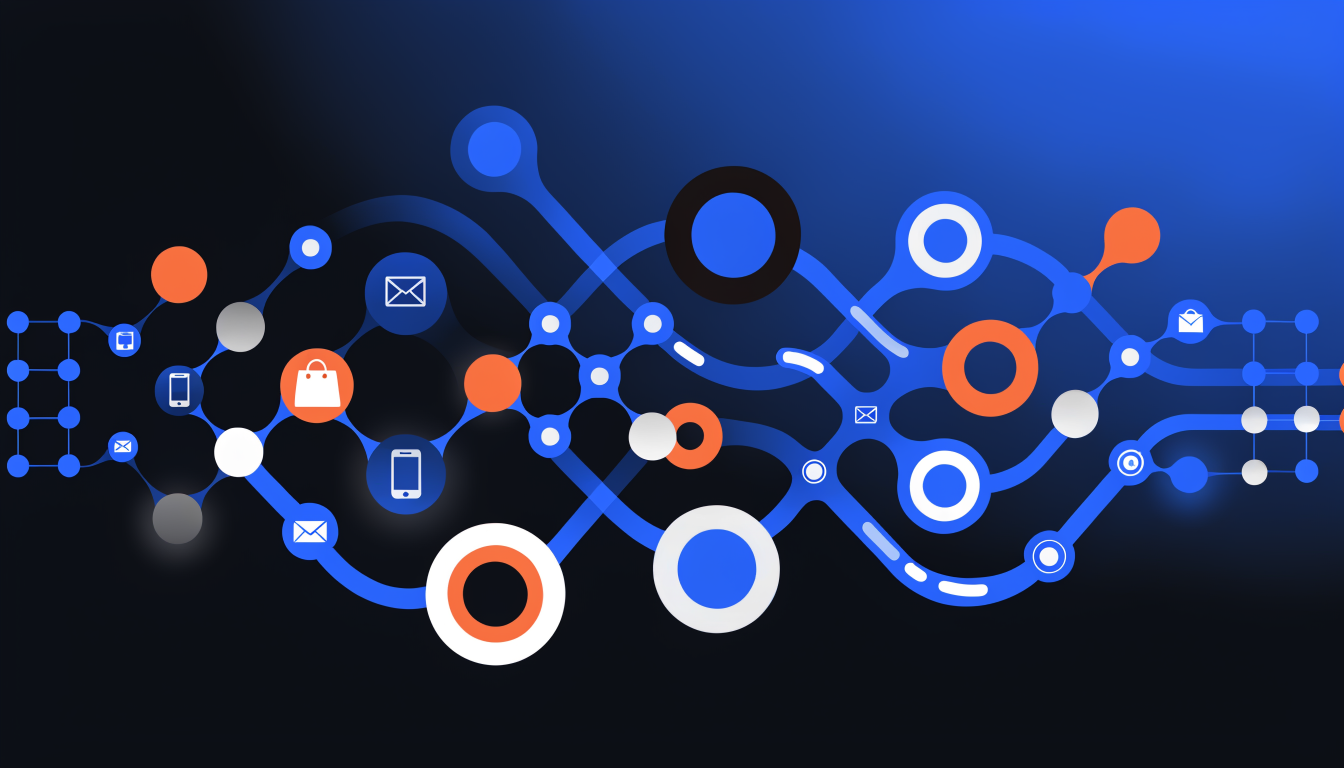
The distinction matters. Manual journey mapping requires you to conduct surveys, interviews, and analysis that take weeks and become outdated quickly. Automation captures real behavior as it happens, updating your maps constantly. The data flows directly into visual representations that reveal bottlenecks, drop-off points, and unexpected conversion pathways. This isn't just visibility; it's actionable intelligence that connects data collection, visualization, and revenue-driving decisions in one integrated system.
Why Automated Journey Mapping Matters for Modern Businesses
Here's the uncomfortable truth: most businesses are flying blind when it comes to their customers. Without visibility into the complete customer journey, you're essentially guessing at what drives conversions, retention, and loyalty. The cost of this blindness is steep. Every missed touchpoint, every unclear handoff between teams, every customer who drops off without explanation represents lost revenue.
Consider the numbers. It takes up to 8 interactions for a lead to convert into a paying customer. Eight. If you're not tracking where those interactions happen, how they connect, or where prospects abandon, you're leaving deals on the table. Companies that map customer journeys see measurable improvements in conversion rates, customer lifetime value, and retention. The difference isn't marginal; it's the difference between stagnant growth and scaling.
Here's where automation changes everything. Manual journey mapping is slow, fragmented, and prone to human error. Your marketing team sees one picture, sales sees another, customer support operates in a silo. Automated journey mapping centralizes data across all touchpoints, eliminates inconsistencies, and updates in real time as customer behavior shifts. You get scalability without the growing headcount.
The competitive advantage belongs to businesses that act fast. While your competitors are still cobbling together spreadsheets and guessing, you can identify bottlenecks, spot high-value segments, and personalize at scale. Automation doesn't just save time; it transforms raw data into actionable intelligence. That's the difference between reacting to what happened and predicting what comes next.
The 7-Step Process for Building an Automated Customer Journey Map
Building an automated customer journey map doesn't require months of analysis or a room full of spreadsheets. Follow this practical framework to move from confusion to clarity in weeks, not quarters.
Step 1: Define Your Mapping Objectives
Before you collect a single data point, ask yourself what you're solving for. Are you trying to reduce churn, accelerate time-to-purchase, or improve customer satisfaction? The first step is to understand why you are creating a customer journey map, such as to improve user experience, identify pain points, or optimize conversion paths. Your objective becomes your north star for everything that follows.
Step 2: Build Detailed Buyer Personas
Who are you actually mapping for? Create 3-5 detailed personas representing your core customer segments. Include demographics, pain points, goals, and buying behaviors. This keeps your map grounded in reality rather than speculation.
Step 3: List Every Touchpoint
Map where customers interact with your brand: website, email, social media, support channels, sales calls, product experience. Don't assume you know them all. Ask your sales and support teams. They'll surprise you with what they see.
Step 4: Outline Journey Stages
Structure the journey from awareness through advocacy. Most journeys follow a pattern: awareness, consideration, decision, onboarding, usage, retention, and advocacy. Automation tools help you connect data across these stages automatically.
Step 5: Gather Behavioral and Qualitative Data
Pull behavioral data from your analytics, CRM, and marketing platforms. Layer in qualitative insights from customer interviews, surveys, and support tickets. This combination reveals both what customers do and why they do it.
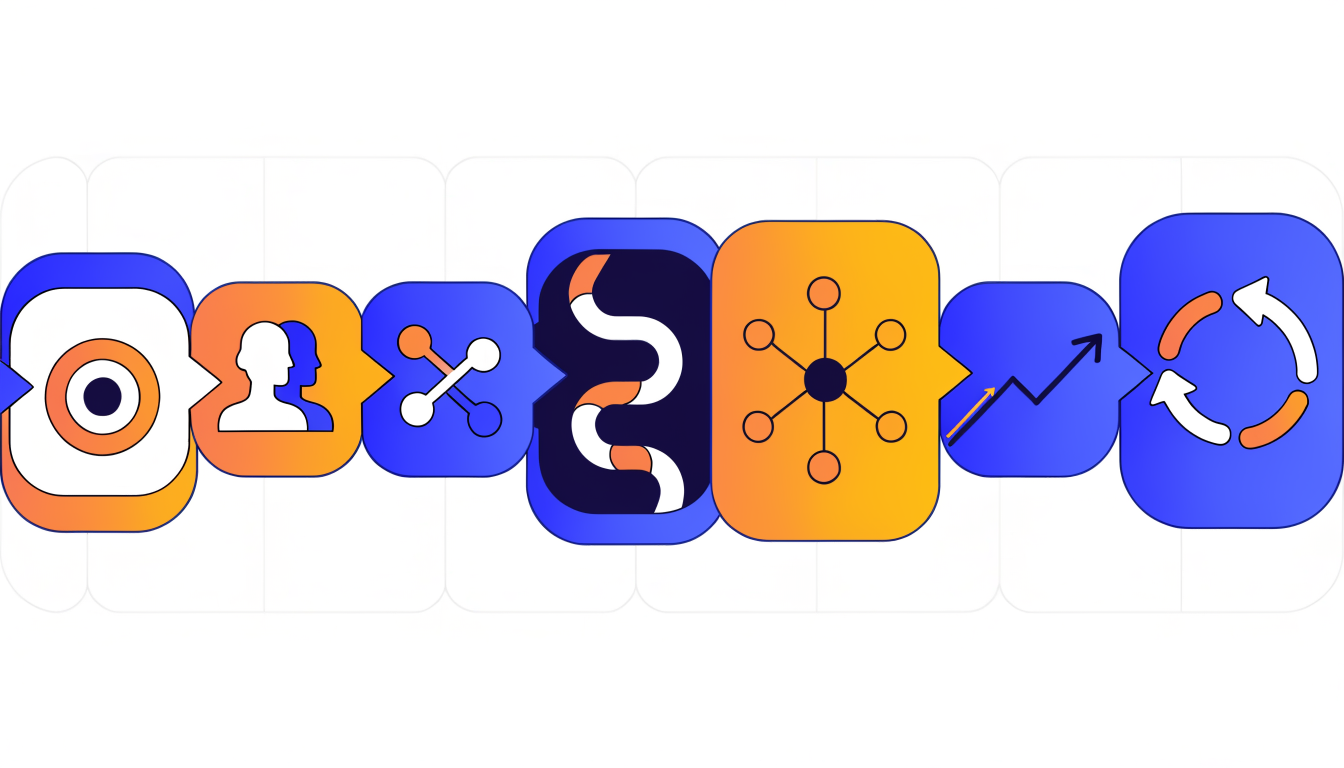
Step 6: Visualize and Identify Friction
Use your automation platform to create a visual representation. Where do customers drop off? Where do they hesitate? These friction points become your revenue opportunities. Taking the time to craft messages for every stage can improve sales, retention and end-to-end service costs.
Step 7: Iterate Continuously
Your map isn't finished on day one. A customer journey map is never static. It's important that the map is continually refined as more insight is gathered and the customer base grows. Set a quarterly review cadence to incorporate new data and adjust for market changes.
The payoff: a living, breathing map that guides every decision your team makes about customer experience and revenue growth.
How AI and Automation Enhance Journey Mapping
Manual journey mapping relies on guesswork and historical data. Automation changes that equation entirely. AI now handles the heavy lifting: collecting data across dozens of touchpoints simultaneously, spotting patterns that would take analysts weeks to uncover, and flagging anomalies before they damage customer relationships.
Machine learning algorithms excel at recognizing what humans might miss. A customer might show subtle signals of churn across three different channels; AI catches it. Another might be ready to upgrade based on behavioral micro-signals buried in interaction logs. These insights emerge automatically, in real-time, without anyone running reports or scheduling meetings to discuss findings.
The real power emerges when automation triggers action. When a customer reaches a critical moment in their journey, the system doesn't wait for a human decision. It responds instantly: adjusting messaging, routing to the right team, offering the next logical step. This speed matters because customer intent windows are narrow.
Predictive capabilities add another dimension. Rather than mapping where customers have been, AI anticipates where they're headed. You can intervene proactively, personalizing experiences before customers even recognize their own needs. This shifts you from reactive problem-solving to strategic positioning.
Automation also eliminates the error-prone manual work that consumes resources. No more spreadsheet updates, no more conflicting data versions, no more weeks waiting for insights. Your team focuses on strategy and optimization instead of data hygiene. The result: faster decisions, fewer mistakes, and journeys that actually drive revenue growth rather than just describe customer behavior.
Common Challenges and How to Overcome Them
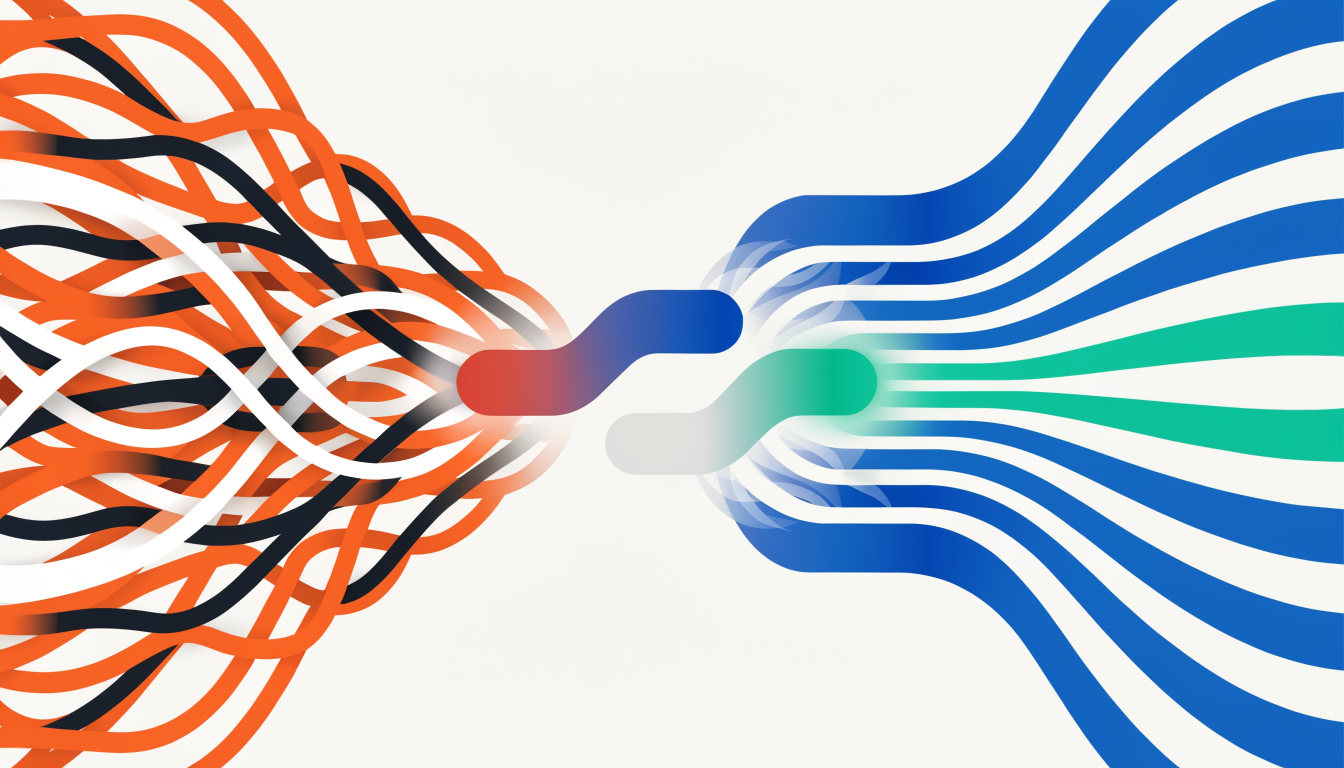
Most businesses hit the same wall when launching automated journey mapping: their customer data lives everywhere except in one place. You've got transaction history in your e-commerce platform, support tickets in a separate system, email engagement in your marketing tool, and behavioral data scattered across analytics dashboards. Pulling this together feels impossible without a complete rebuild.
The good news? You don't need perfection on day one. Start by identifying your highest-impact touchpoints: the moments where customers make critical decisions or experience friction. This focused approach lets you build momentum while your team learns the process. As you prove ROI, expanding to secondary touchpoints becomes much easier.
Privacy concerns are legitimate, but they're solvable. Modern platforms handle compliance automatically through data encryption, anonymization, and audit trails. The real risk isn't using customer data thoughtfully; it's ignoring what you have and making blind decisions.
Resource constraints are the final obstacle. Automated platforms eliminate the manual heavy lifting. Rather than spreadsheets and guesswork, automation ensures all customer interactions are recorded and accessible, freeing your team to focus on strategy instead of data collection. The investment pays for itself quickly through better targeting and reduced churn.
Measuring Success: Key Metrics to Track
The metrics you track determine whether automated journey mapping becomes a strategic asset or an expensive experiment. Start with conversion rate improvements at each stage. If your automation identifies and fixes a bottleneck in the checkout process, measure the lift in completion rates. That's immediate, tangible proof of value.
Customer lifetime value tells the bigger story. When you understand where customers drop off and automatically re-engage them, retention improves noticeably. Track this alongside your NPS scores; these two metrics reveal whether automation is actually strengthening relationships or just pushing more messages.
Revenue recovered from abandoned journeys deserves its own line item. Calculate how much revenue you're winning back through automated recovery campaigns, then subtract the operational costs. That's your ROI baseline.
Time savings matter more than people realize. Document hours saved by automating manual journey analysis and intervention tasks. Convert that to salary dollars; automation ROI often surprises executives when framed this way.
Email engagement metrics (click-through rates, open rates) and conversion rates by channel show you where automation is working hardest. Understanding the full journey allows companies to identify pain points and opportunities for enhancement, leading to more efficient processes and improved retention. These metrics prove that your investment is driving measurable business outcomes, not just generating data.
Frequently Asked Questions About Automated Customer Journey Mapping
Q: What's the difference between journey mapping and journey analytics?
Journey mapping is about understanding the big picture: who your customers are, what they need, and where friction exists. Journey analytics digs into the data to measure actual behavior across touchpoints. Think of it this way: mapping is the blueprint; analytics is the performance report. You need both to move forward.
Q: How long does implementation actually take?
Most teams see basic tracking running within 2-4 weeks. Full implementation with all touchpoints integrated typically takes 6-12 weeks. The timeline depends on how many systems you're connecting and whether you already have clean data. Don't rush this; speed now creates problems later.
Q: What data should I be collecting?
Focus on what matters for revenue: which channels bring customers in, where they drop off, what content converts them, and where support issues spike. You don't need everything; you need what drives decisions.
Q: How do I handle privacy concerns?
Use consent-based tracking, anonymize where possible, and be transparent about what you're collecting. Privacy regulations like GDPR aren't obstacles; they're guardrails that build customer trust. Most modern platforms handle compliance automatically if you configure them correctly.
Q: Can this integrate with my existing tools?
Yes. Tools can track behavior across web, mobile, and physical channels and connect to your CRM, email platform, and analytics stack. Integration complexity varies, but it's standard practice now.
Q: When will I see ROI?
Quick wins appear in 30-60 days once you identify obvious friction points. Meaningful revenue impact typically emerges within 3-6 months as you act on deeper insights and optimize based on real behavior patterns.
Key Takeaways: Getting Started With Automated Journey Mapping
You now understand that automated journey mapping isn't a nice-to-have feature; it's the difference between guessing and knowing. The blind spots that cost you revenue become visible. The disconnected touchpoints that frustrate customers get connected. The opportunities hiding in your data get surfaced.
Here's what matters most: start with one clear objective. Define what success looks like for your business, then identify the key touchpoints where customers interact with you. Don't try to map everything at once. Focus on the paths that drive the most revenue or create the most friction.
Next, choose tools that work together. Automation brings consistency and scalability, allowing businesses to handle increasing customer numbers without compromising experience quality. Siloed platforms create gaps; integrated systems with privacy-first design create momentum. Real-time automation means you can act on insights immediately, not weeks later.
Finally, measure relentlessly. Track the metrics that matter: conversion rates, customer satisfaction, time-to-resolution. Iterate based on what you learn. Journey mapping isn't a one-time project; it's an ongoing practice that compounds over time.
The companies winning right now aren't waiting for perfect data. They're starting today, learning fast, and adjusting as they go. Your next step is clear: define your objective and map your first journey this week.
Transform Your Customer Journeys With Arktis
The blind spots in your customer journey are costing you revenue right now. Every abandoned cart, every support ticket that goes unanswered, every moment of friction where a customer nearly leaves, represents money left on the table.
Automated journey mapping changes this equation. By combining real-time data collection with AI-powered insights, you gain visibility into what's actually happening across your entire customer base. More importantly, you can act immediately. Real-time triggers catch customers at critical moments, recovering lost sales and preventing churn before it happens.
The privacy-first approach means you're protecting customer data while maximizing business results. Enterprise-grade security and compliance aren't afterthoughts; they're built in from the start.
Companies using this approach consistently see a 10% revenue uplift. That's not incremental improvement; that's transformational growth emerging from data you already have.
The question isn't whether you need automated journey mapping. It's whether you can afford to wait another quarter without it. Your competitors aren't standing still. Start mapping your customer journeys with precision, see what's really happening, and turn insights into immediate action.
Go deeper in the Learning Hub
Try Arktis free for 7 days
Attribution tracking, session recordings, and AI automation in one platform. Set up in 2 minutes, free for 7 days.
Start 7-day free trial