
Event Definitions in Analytics: A Simple Guide
Last Updated: March 16, 2026 Key Takeaways Events are specific user interactions tracked in analytics, from clicks to purchases to form submissions. Event-based...

Last Updated: March 16, 2026
Key Takeaways
- Events are specific user interactions tracked in analytics, from clicks to purchases to form submissions.
- Event-based analytics reveals why users behave the way they do, not just what actions they take.
- Custom events let you track interactions unique to your business, while recommended events work out of the box.
- Proper event tracking requires a clear plan, consistent naming conventions, and a dedicated tool.
- Understanding your event data is essential for optimizing conversions and improving customer lifetime value.
What Is an Event in Analytics?
At its core, an event in analytics is any measurable interaction a user has with your website, app, or product. It's that simple. Whether someone clicks a button, submits a form, watches a video, or completes a purchase, each action is an event worth tracking. According to Google Analytics, an event allows you to measure a specific interaction or occurrence on your website or app, capturing the granular details that sessions and page views alone cannot provide.
Think of events as the building blocks of user behavior. While a page view tells you someone visited a page, events tell you what they actually did there. Did they scroll? Click a pricing button? Add an item to their cart? These distinctions matter enormously for understanding your customers and optimizing their experience.
Every event arrives with a timestamp and user context, creating a chronological record of behavior. This matters because context transforms raw data into insight. You're not just logging actions; you're building a complete picture of how users move through your product.
Here's the reality: your business generates events constantly, whether you're actively tracking them or not. The question isn't whether events exist. It's whether you're capturing them strategically to fuel growth.
Event-Based Analytics vs. Traditional Web Analytics
Traditional web analytics gave you the big picture: how many people visited your site, which pages they landed on, how long they stayed. It was useful for understanding traffic patterns, but it left critical questions unanswered. You'd see that 100 people visited your pricing page, but you had no idea what they actually did there. Did they read the comparison table? Click on a feature? Leave in frustration?
Event-based analytics flips this on its head. Instead of counting page views, it tracks individual actions. That same 100 visitors to your pricing page might reveal that only 15 clicked "view pricing details," 8 downloaded a comparison sheet, and 77 bounced without interacting at all. Suddenly, you understand behavior, not just traffic.
The difference goes deeper than volume numbers. Events capture context that page views simply can't. When someone fills out a form, an event can tell you which field they abandoned, what error they encountered, or which product they were interested in. A page view just says they were there. When a user navigates across multiple pages or returns weeks later, event tracking follows their complete journey; traditional sessions treat each visit as isolated.
This matters because context drives action. "Event-based analytics doesn't just tell you what is happening in your product; it aims to tell you why," as analytics experts note. That's the real power. You're not just measuring traffic; you're measuring intent, friction points, and moments that matter for your business goals.
For marketing and product teams, this shift means moving from passive observation to active insight. You can identify which features drive conversions, where users get stuck, and what actually influences decisions. That's the foundation for growth.
Types of Events: Automatic, Recommended, and Custom
Most analytics platforms offer three tiers of events, each serving a different purpose in your measurement strategy. Understanding which type to use helps you build a tracking system that's both comprehensive and manageable.
Automatically collected events require zero setup on your part. Automatically collected events are events that are collected by default when you set up Google Analytics on your website or app. These include page views, session starts, and basic user engagement metrics. They're the foundation of any analytics implementation, giving you visibility into how people interact with your digital properties without lifting a finger. Think of them as your baseline measurement.
Recommended events sit in the middle ground. These are predefined events with standardized names that platforms have optimized for common business actions: purchases, sign-ups, view item, add to cart, or search. The real benefit here is that using these standard event names unlocks enhanced reporting features and benchmarking capabilities. If you're running an e-commerce site or SaaS product, recommended events should form the backbone of your tracking plan.
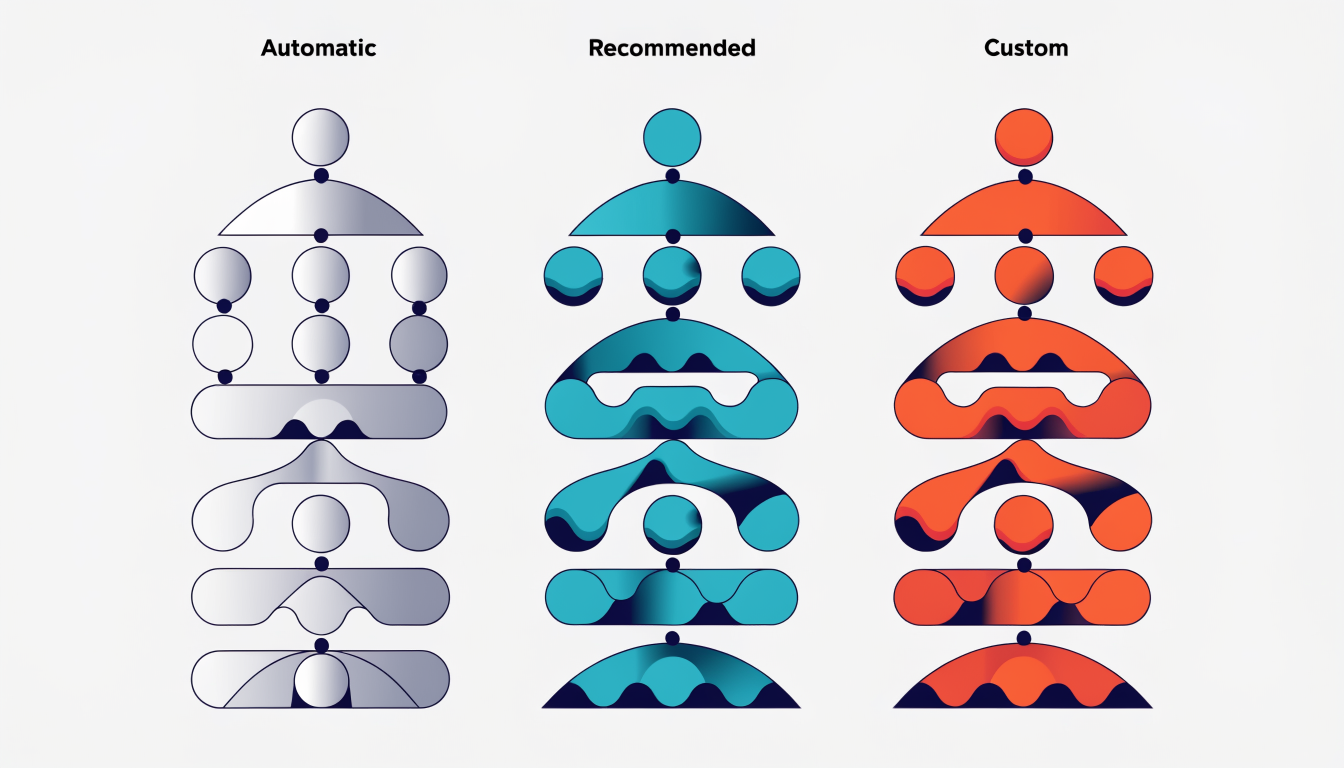
Custom events are where you capture what makes your business unique. Custom events are events that you define when no other events work for your use case. Maybe you want to track when users watch a tutorial video, enable a specific feature, or submit a support ticket. These require planning and some implementation effort, but they deliver insights directly tied to your business goals.
Most successful analytics strategies use all three types. Start with automatic and recommended events to establish your baseline, then layer in custom events that illuminate your specific growth levers. This balanced approach gives you both standardized insights and competitive differentiation.
How to Define and Track Events Effectively
Defining and tracking events effectively requires a structured approach. Here's how to build a system that actually drives insights rather than creating noise.
Start with your business goals. Before you write any tracking code, identify what matters. Are you focused on user acquisition, engagement, retention, or revenue? List the specific actions that indicate progress toward these goals. If you sell SaaS software, "user_signup_completed" and "feature_first_used" matter more than "homepage_visited." Be ruthless about relevance.
Create a tracking plan. Document every event you'll measure, including its name, category, labels, and custom properties. This becomes your source of truth and prevents teams from implementing conflicting definitions later. Clear and understandable event names make it much easier for everyone across the company to understand your reports, so invest time here.
Use consistent naming conventions. Pick either snake_case or CamelCase and stick with it across all events. Use "purchase_completed" or "PurchaseCompleted," not a mix of both. Consistency reduces errors and makes your data cleaner.
Implement tracking code. Use JavaScript libraries, SDKs, or APIs to fire events when specific user actions occur. Most analytics platforms provide pre-built integrations that simplify this step.
Test before going live. Use your analytics platform's debugging tools to confirm events are firing correctly with the right properties. A tracking mistake discovered in testing saves weeks of corrupted data.
Avoid over-tracking. The temptation to measure everything is real, but it creates bloat. Track business-critical actions and the key steps that lead to them. Extra events become technical debt that slows down analysis and increases costs.
A well-designed event structure includes the event name (what happened), category (where it happened), and custom properties (additional context like purchase amount or feature type). This foundation lets you answer the questions that actually move your business forward.
Event Properties and Enrichment: Adding Context to Your Data
A raw event tells you that something happened. Event properties and enrichment tell you what actually matters about it.
Think of a simple "purchase" event. Without context, it's just a data point. But add properties like product_id, price, currency, discount_code, and payment_method, and suddenly you have a complete story. You can now answer real questions: Which products drive the highest revenue? Are discounts cannibalizing full-price sales? What payment methods correlate with completion rates?
Properties come in two flavors. Event properties describe the specific action: the product name, quantity ordered, error code encountered, or page visited. User properties describe who's taking the action: their subscription tier, location, device type, or signup date. This distinction matters because it shapes how you segment and analyze behavior.
Enrichment happens automatically. Your analytics platform typically adds timestamps, session IDs, geographic location, and traffic source without you lifting a finger. This foundation-level context is invaluable for understanding the full customer journey.
The trap many teams fall into is tracking everything. More properties sound better until your data becomes cluttered noise. Instead, ask yourself: what properties answer my business questions? A SaaS company needs account tier and feature usage; an e-commerce brand needs product category and inventory status. Start focused, then expand as your questions evolve.
Why Event Definitions Matter for Your Business
Without clear event definitions, you're essentially flying blind. You can see that users are dropping off at checkout, but you don't know why. You notice engagement declining, but can't pinpoint which features matter most. This is where proper event tracking changes everything.
When you define events precisely, you transform raw user behavior into actionable intelligence. You discover the exact friction points preventing conversions. An ecommerce business might learn that users abandon carts after viewing shipping costs, not product prices. A SaaS company might realize that teams using a specific feature renew at 3x higher rates than those who don't. These insights don't emerge from guesswork; they come from data.
Event-based analytics enables personalization at scale based on what users actually do, not assumptions about what they might want. You can tailor experiences to users who've shown specific behaviors, dramatically improving relevance and conversion rates.
Beyond conversions, events reveal which features drive real engagement and which drain resources. This directly impacts your product roadmap and marketing spend. You measure campaign effectiveness with precision, connecting marketing efforts to revenue outcomes rather than vanity metrics.
Predictive analytics powered by event data helps you identify churn risk before customers leave, enabling proactive retention. Event-based analytics provides a golden opportunity for different teams within your business to collaborate through data, breaking down silos between product, marketing, sales, and support.
The result: better decisions across your organization, improved customer lifetime value, and sustainable growth grounded in evidence rather than intuition.
Common Event Tracking Questions Answered
Q: What's the difference between client-side and server-side event tracking?
Client-side tracking uses JavaScript code in your users' browsers to capture events, while server-side tracking happens on your backend servers. The key trade-off: client-side is easier to implement but vulnerable to ad blockers and browser limitations. Server-side is more reliable and gives you better control over sensitive data, allowing for more secure and compliant processing according to data experts. Start with client-side for quick wins, but plan to layer in server-side tracking as you scale.
Q: Do I need a developer to set up events?
Not always. Most analytics platforms offer automatic and recommended events that work without coding. For custom events that match your specific business needs, you'll likely need developer support. The complexity depends on what you're tracking; a page view is simple, but tracking user behavior across multiple systems requires technical expertise.
Q: How many events should I track?
Quality beats quantity. Aim for 20 to 50 key events that directly support your business goals rather than tracking hundreds of minor actions. Too many events create noise, waste resources, and make analysis harder. Focus on what matters for your revenue, retention, or growth targets.
Q: Is event tracking GDPR compliant?
Yes, if you implement it correctly. Get explicit user consent, use privacy-first approaches like server-side tracking, and avoid collecting unnecessary personal data. Compliance isn't about avoiding event tracking; it's about doing it responsibly.
Q: Can I change event definitions after I start?
Absolutely, but plan the transition carefully. Document changes, maintain historical data separately if needed, and test how adjustments affect your reporting. Think of it like refining a recipe; you can improve it, just communicate the changes clearly.
Q: What naming convention should I use?
Pick one format and stick with it. Snake_case (user_signup) or CamelCase (UserSignup) both work fine. Consistency matters more than the choice itself; it prevents confusion and makes your event library easier to navigate as it grows.
Moving From Event Definitions to Revenue Growth
You now understand the foundation: event definitions shape everything that follows in your analytics. But here's the truth that separates successful companies from the rest: collecting event data means nothing if you can't act on it.
The real growth happens in the space between data collection and decision-making. You can track every click, form submission, and purchase, yet still miss opportunities if you're waiting days for reports or manually reviewing spreadsheets. Your competitors aren't. They're responding to customer behavior in real-time, adjusting their messaging, personalizing their offers, and optimizing their funnels while the moment is still fresh.
Modern analytics platforms should do more than log events; they should transform raw data into insights you can act on immediately. This means AI-driven analysis that spots patterns humans might miss, automation that responds to customer signals without delay, and dashboards that show you what's actually driving revenue right now, not what drove it last week.
Privacy-first event tracking has also become non-negotiable. As regulations tighten globally, collecting event data responsibly isn't just ethical; it's essential for sustainable growth. The best platforms respect user privacy while still delivering the insights you need.
The companies winning today are those treating event data as a living system. They continuously optimize their customer journey based on real behavioral signals, not assumptions. They test, measure, learn, and adapt faster than their competition.
Your event definitions are the starting line. The real race is what you do with that data. Ready to transform insights into growth?
Go deeper in the Learning Hub
Try Arktis free for 7 days
Attribution tracking, session recordings, and AI automation in one platform. Set up in 2 minutes, free for 7 days.
Start 7-day free trial